

Description
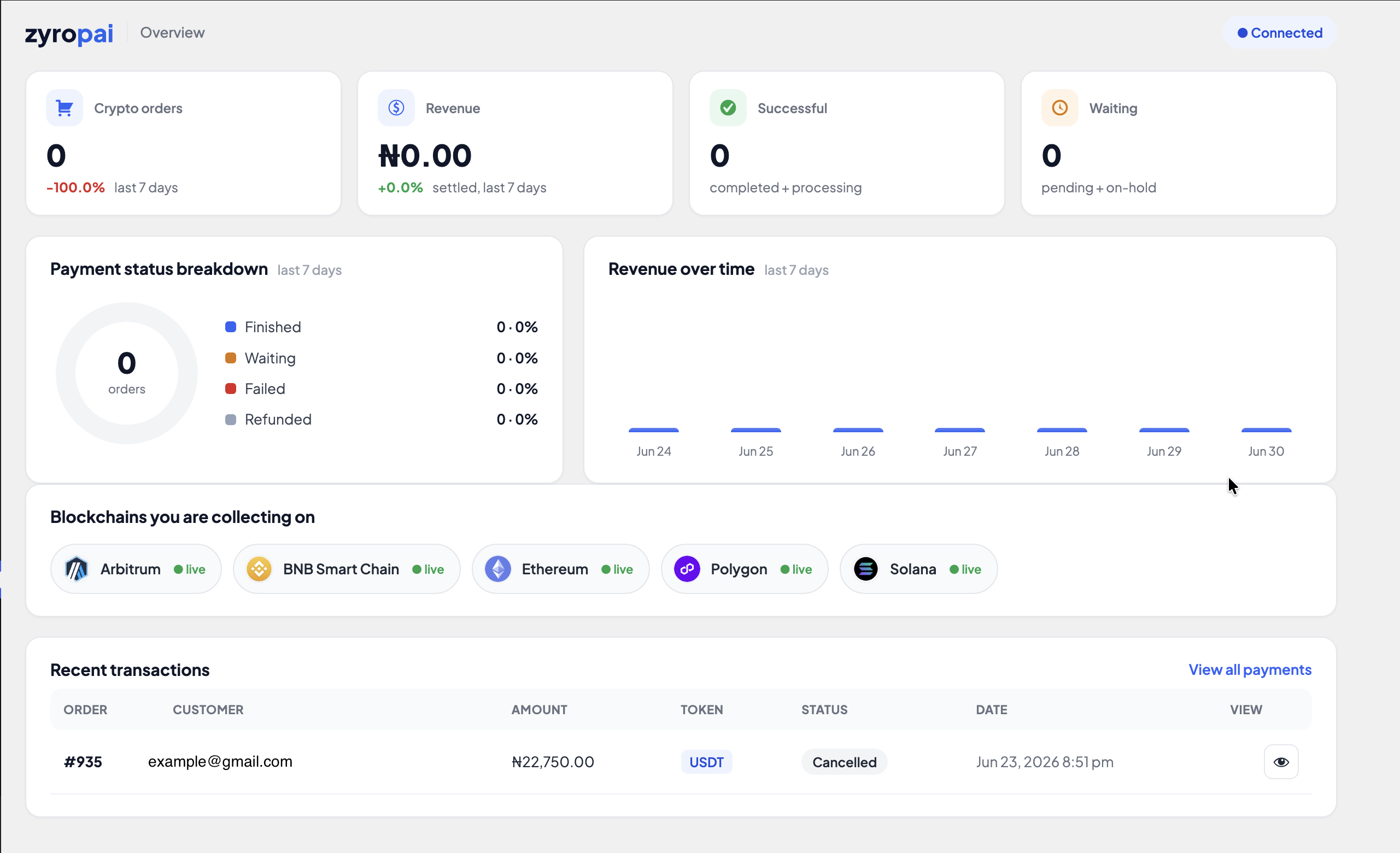
ZyroPAI lets your WooCommerce store accept cryptocurrency that settles straight to a wallet you control — there is no platform balance to withdraw from and no third party holding your funds. One plugin gives you three ways to get paid: store checkout, donations, and an in-person POS terminal.
Why merchants choose ZyroPAI
- Non-custodial. Payments go to an address derived from your own wallet (a custody wallet whose keys you can reveal, or your own external payout wallet).
- Low, simple fees. Payments under $10 are free; payments of $10 or more are charged 0.5%. No setup fees, no monthly fees, and the plugin is free. Standard blockchain network (gas) fees apply, as with any on-chain payment.
- No KYC for you or your customers.
- Multi-chain. Solana, Ethereum, Arbitrum, BNB Smart Chain, and Polygon, with native coins plus USDC and USDT.
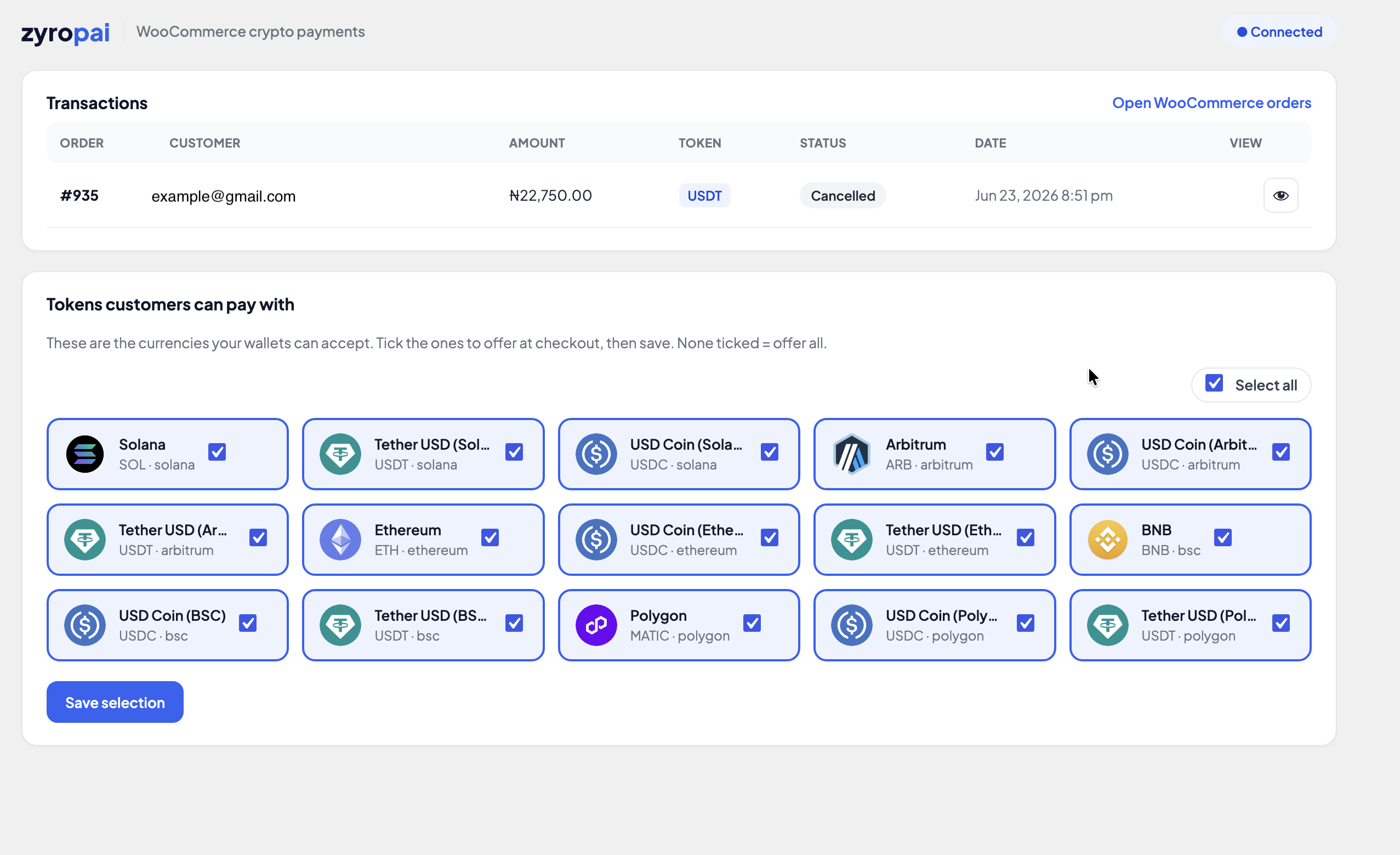
- No dead options at checkout. The coin picker only ever shows tokens on chains where you have an active wallet, so a customer can never pay you a coin you cannot settle.
- Orders complete themselves. A signed webhook marks the WooCommerce order paid the moment the blockchain confirms, and a return-page check confirms the order as a safety net.
Donations
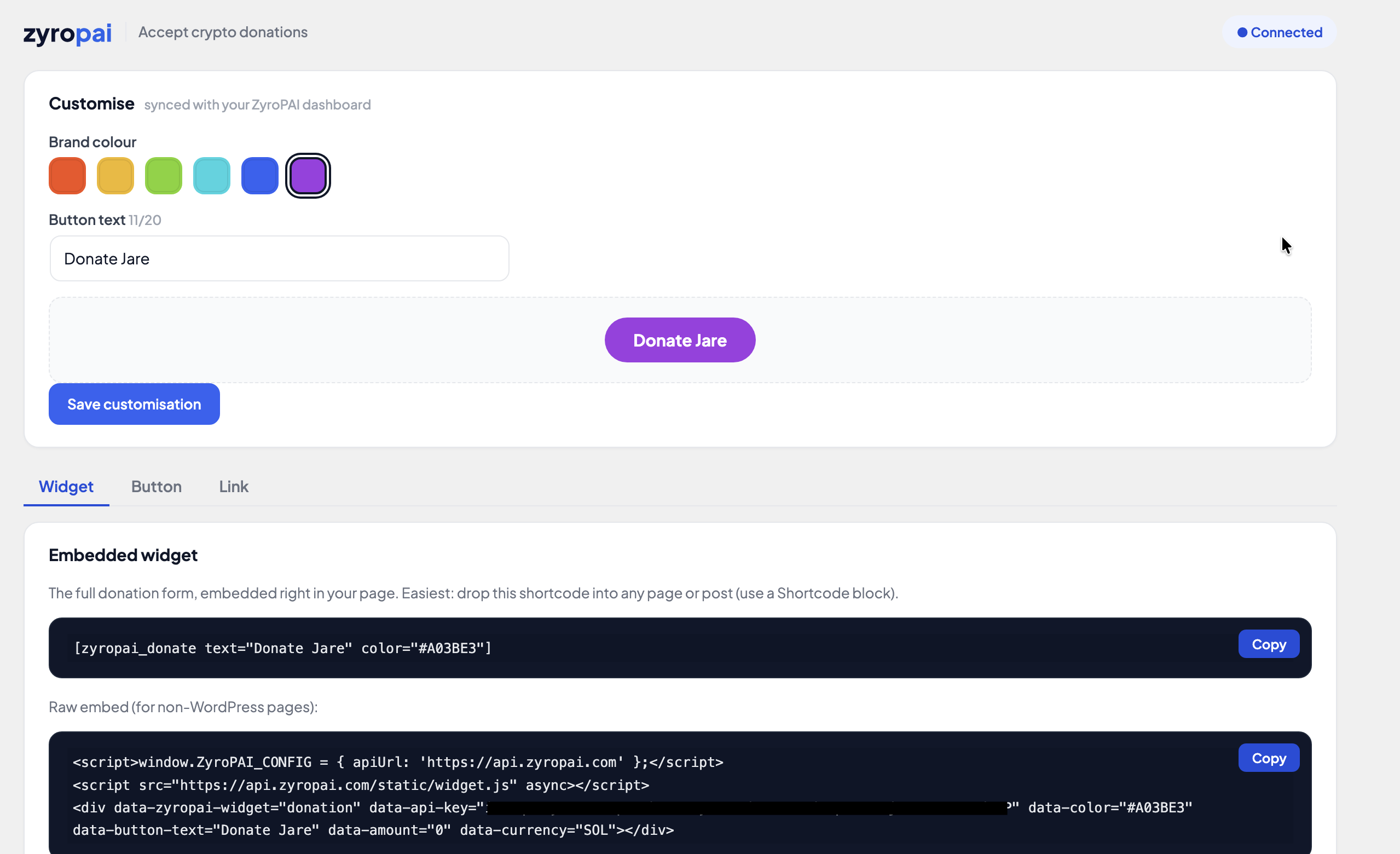
Collect crypto donations three ways, all sharing one look you customise once:
- An embedded widget with a search-as-you-type token picker and live USD rates (
[zyropai_donate]). - A compact donate button in a light or dark style (
[zyropai_donate_button]). - A shareable hosted donation link with its own QR code.
Point of sale
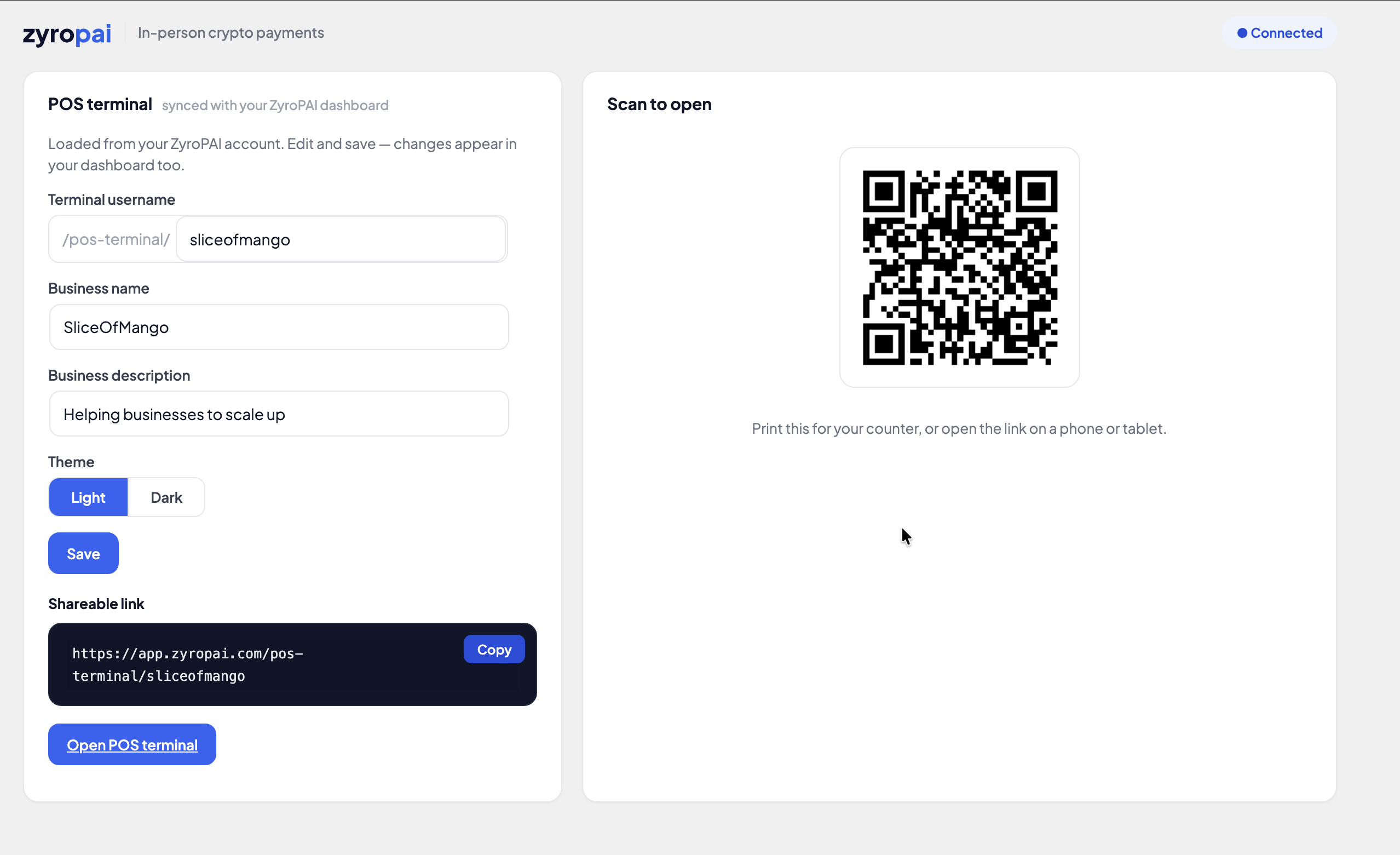
A hosted POS terminal you can open on a phone or tablet to take in-person crypto payments.
External services
This plugin connects to ZyroPAI, an external crypto payment service operated at https://zyropai.com, to create and monitor payments and donations. The plugin will not function without a ZyroPAI account and API credentials, which you enter on the plugin’s settings screen.
What is sent, and when:
- When a customer checks out with ZyroPAI: the order amount, currency, and a generated order/payment reference are sent to
https://api.zyropai.comto create a payment and a hosted invoice page. The plugin then receives a signed webhook (and/or reads payment status) to update the order. - When you configure donations or the POS terminal: your chosen brand colour, button text, donation-link slug, and POS profile (username, business name/description, theme) are sent to
https://api.zyropai.comso they sync with your ZyroPAI account. - When admin screens load: the plugin reads your account’s supported currencies and active wallet networks from
https://api.zyropai.com.
All requests are authenticated with the API key and secret you supply in settings. No payment is processed and no personal data is transmitted unless you have configured the plugin and a customer or admin initiates one of the actions above.
- Terms of Service: https://zyropai.com/legal/terms
- Privacy Policy: https://zyropai.com/legal/privacy
Screenshots
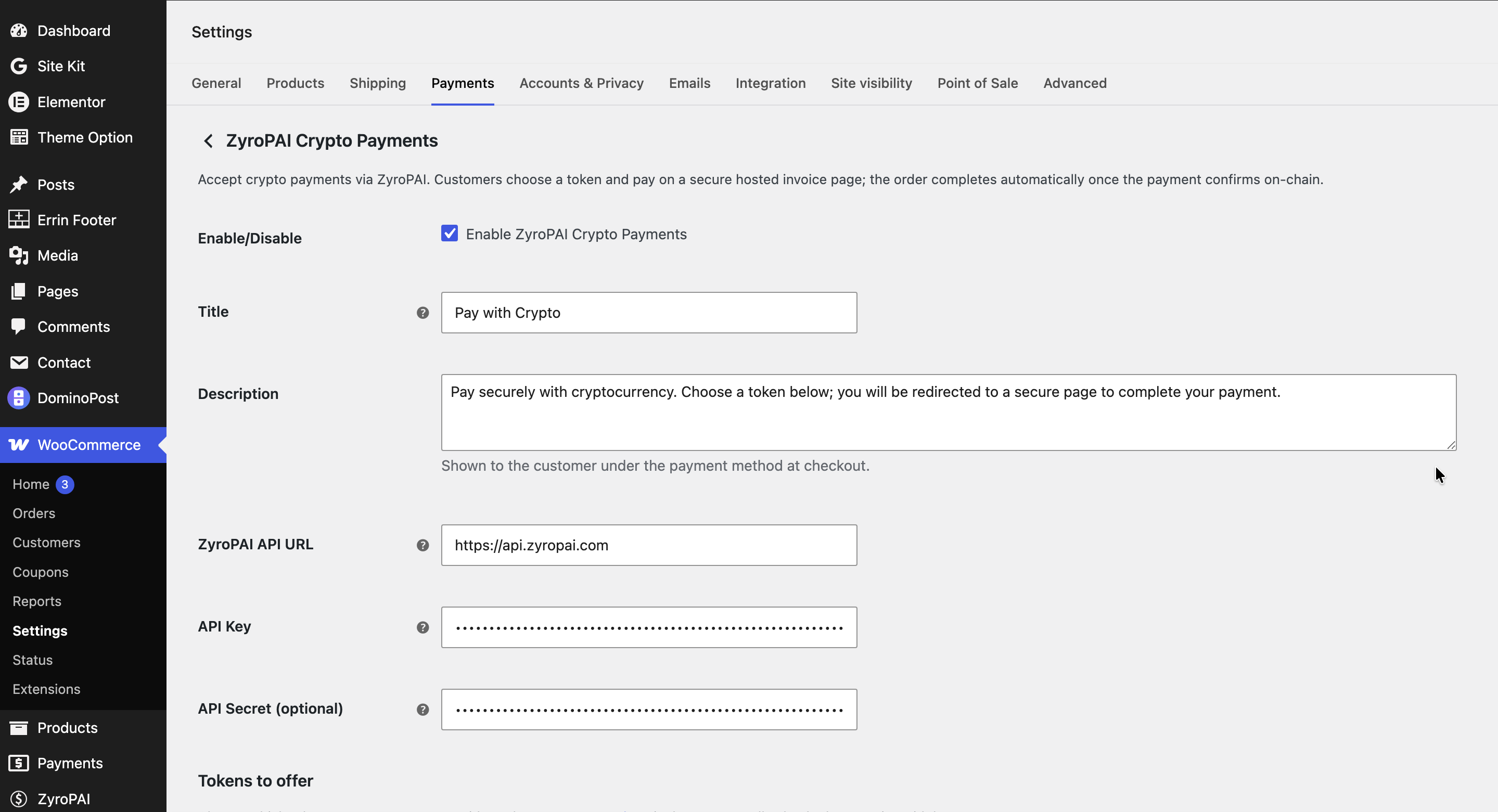
Installation
- In your WordPress admin, go to Plugins Add New and search for ZyroPAI Crypto Payments, then click Install Now and Activate. (You can also upload
zyropai-payments.zipvia Plugins Add New Upload Plugin, or upload thezyropai-paymentsfolder towp-content/plugins/via SFTP, then activate.) - Go to ZyroPAI Settings and enter your API Base URL (
https://api.zyropai.com), API Key, and API Secret from your ZyroPAI dashboard. - In your ZyroPAI dashboard, add at least one settlement wallet (custody or payout) for each chain you want to accept.
- Go to WooCommerce Settings Payments and enable ZyroPAI.
- Orders complete automatically — the plugin registers its own secure webhook per order, so you do not need to set a webhook URL in your ZyroPAI dashboard. Just make sure your store is served over HTTPS and …/wp-json/zyropai/v1/webhook is publicly reachable. (The dashboard webhook URL is only used for donations, POS, or direct API integrations that don’t run through WooCommerce.)
FAQ
-
Is ZyroPAI custodial?
-
No. Funds settle to an address you control — a custody wallet whose keys you can reveal, or your own external payout wallet.
-
What does it cost?
-
The plugin is free. Payments under $10 carry no fee; payments of $10 or more are charged 0.5%. There are no setup or monthly fees. Standard blockchain network (gas) fees still apply.
-
Do I or my customers need to complete KYC?
-
No.
-
Which chains and coins are supported?
-
Solana, Ethereum, Arbitrum, BNB Smart Chain, and Polygon — native coins plus USDC and USDT. You choose which to enable by adding wallets in your ZyroPAI dashboard.
-
Why are no coins showing at checkout?
-
You don’t yet have an active wallet for any supported chain. Add a custody or payout wallet in your ZyroPAI dashboard, then reload.
-
An order is stuck on “pending payment.” What do I check?
-
Confirm your site is on HTTPS, the path
…/wp-json/zyropai/v1/webhookis publicly reachable, and the IPN secret matches between ZyroPAI and the plugin settings. Orders also confirm automatically when the customer returns to the order-received page, so most temporary webhook issues resolve themselves.
Reviews
There are no reviews for this plugin.
Contributors & Developers
“ZyroPAI Crypto Payments” is open source software. The following people have contributed to this plugin.
Contributors
Translate “ZyroPAI Crypto Payments” into your language.
Interested in development?
Browse the code, check out the SVN repository, or subscribe to the development log by RSS.
Changelog
0.2.2
- Fixed: webhook signature verification now works reliably across all hosting configurations, so orders confirm in real time.
- Added: orders also confirm on the return page as a safety net, so a payment completes even if a webhook is delayed or blocked.
0.2.1
- Fixed: payment method not appearing at checkout on some stores.
- Fixed: gateway logo not displaying on the checkout and payment settings screens.
- Housekeeping: corrected internal asset paths so styles, scripts, and images load reliably.
0.2.0
- Searchable token picker in the donation widget, with live USD rates.
- Donation widget now lists only coins on chains where the merchant has an active wallet.
- Donations and POS settings sync with the ZyroPAI account via API-key endpoints.
- Robust clipboard copy with a non-HTTPS fallback; refreshed admin styling.